NinjaTrader 8: import the executions
Every plan; Free imports one file a day.
In NinjaTrader 8
Section titled “In NinjaTrader 8”Control Center → Trade Performance → the Executions tab → right-click the grid → Export → CSV. Choose the period you want; a file that overlaps an earlier one is fine.
In TakeJournal
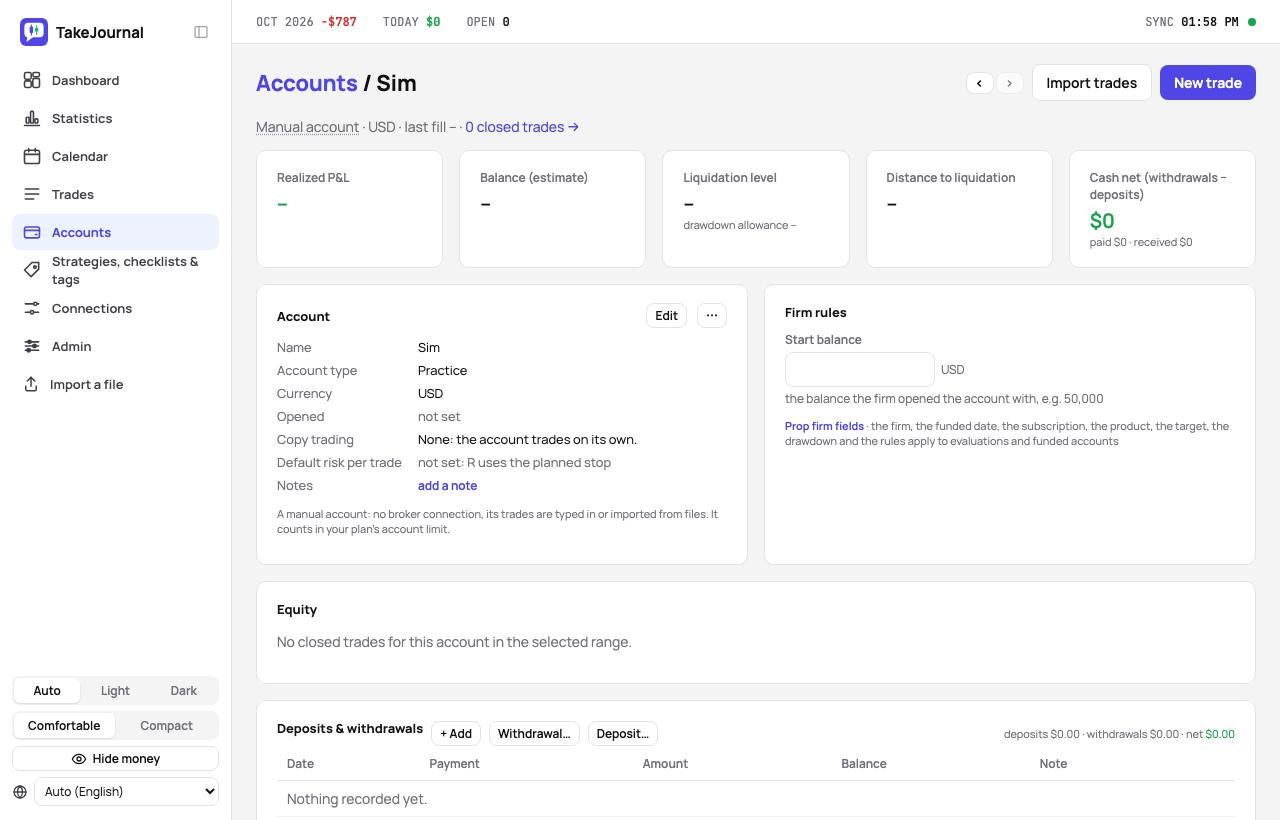
Section titled “In TakeJournal”Import a file on the Connections or the Accounts page creates a manual account for the file and opens the import; an account that exists imports from its page → Import trades → choose the file. An account the copier fills from a master synced elsewhere names that connection in its settings (“Follows the master of”, Pro and Fleet) and its imported trades join the master’s; left on “this connection”, they stay rows of their own (the steps and the checks).
What the import does with the file:
- One fill per order where the rows carry an Order ID, else one per execution.
- NinjaTrader writes times without a zone, in your PC’s zone: the import takes your browser’s zone and says so in its report. Import from the computer you trade on, or set the browser to that zone.
- The date order is detected from the file (a day above 12 decides, else month first), semicolons and decimal commas
are read,
MNQ 12-26becomesMNQZ6. - A commission of
$0.00means unknown; the standard rate of the contract applies.
The answer names the format, the fills in the file, the ones added and the ones already known, and lists the rows that could not be read with their line and reason. Reports →
Related
Section titled “Related”Tradovate and NinjaTrader web · Import reports · Trades by hand, fills, deleting
The AI answers from our guide: how TakeJournal works, imports, prop accounts, the plans.
Your question goes to Anthropic to be answered. We keep the conversation for 30 days to improve the guide, then delete it. No investment advice. Privacy policy